Product Update: Track Location
February 28, 2023
by
Lucy Randl
Summary
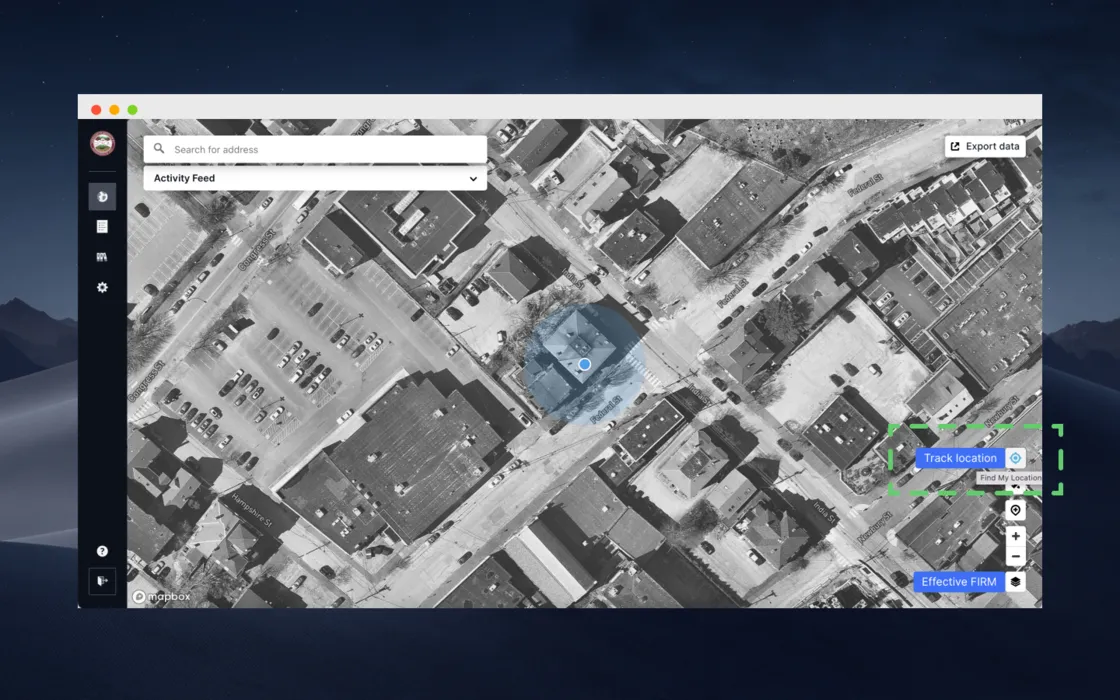
We recently released a Track location feature on both the Forerunner internal dashboard map and public website map that zooms the map to a user's location on click. This feature is especially helpful for Forerunner users who pull up Forerunner on their mobile devices to use for their workflows while out in the field. Users can click the Track location button in the bottom righthand corner of the map and the map will automatically re-direct the viewport to the user's location upon click.
FAQ
The FAQ section wont appear on published site if all FAQs are empty
The FAQ section wont appear on published site if all FAQs are empty
The FAQ section wont appear on published site if all FAQs are empty
The FAQ section wont appear on published site if all FAQs are empty
The FAQ section wont appear on published site if all FAQs are empty
The FAQ section wont appear on published site if all FAQs are empty
Ready to see how Forerunner can support your community?
Book a demo